
Table of Contents
How to Use Persuasive Message Framing and Accessible Formats
This section covers the top message framing, usability, and accessibility recommendations that emerged from our feedback sessions.
Successful Framing : “Getting vaccinated is how we protect one another.”
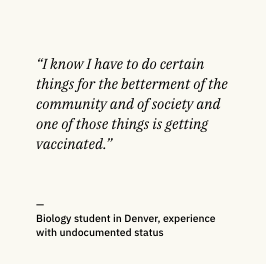
Even when Coloradans we interviewed were unsure about the vaccine, they said they would get it to protect their community. Rarely did they mention wanting to get vaccinated to keep themselves safe. It was about looking out for their family. This was especially true for first generation Americans, who shared an ingrained sense of responsibility to their community.
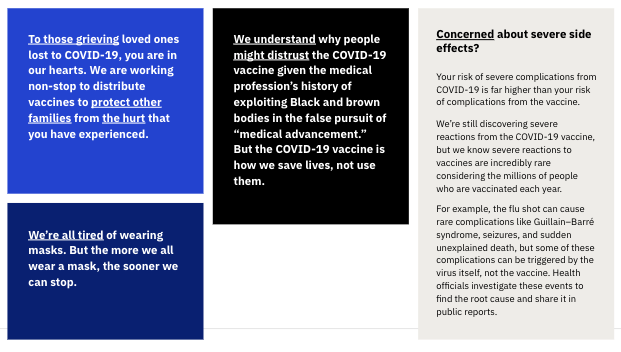
Acknowledge how people are feeling first. It enables them to listen.
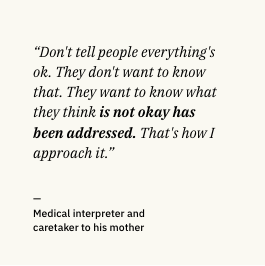
Recognizing people’s feelings publicly is not only a graceful gesture in a vulnerable time, it’s psychologically necessary: People need to know you understand them before they’re willing to listen. Acknowledging that people are exhausted, grieving, and worrying about their loved ones, or skeptical of the government is a critical first step to people hearing your message.
In the Short Term, Optimize Non-English Web Content for Mobile Devices and Searchability
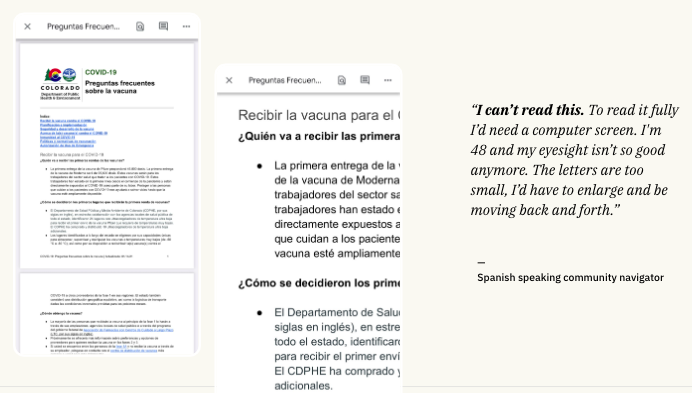
Most research participants said their older friends and relatives search for information on their phones. Some information on Colorado’s website is in PDFs, which aren’t designed to be read on a phone, or to surface in search page results on Google.
We recommend:
- Change PDFs to view-only Google Docs so the text is responsive on mobile
- Always link to specific documents, rather than a Google Drive folder of documents
- Increasing the search engine optimization of non-English documents
Please note that at the time of the sprint project, Colorado was undertaking a project to translate its website into Spanish to ensure equitable access. That project is complete. See here.
Group COVID-19 Vaccine Information Based on How People Experience it in their Daily Lives
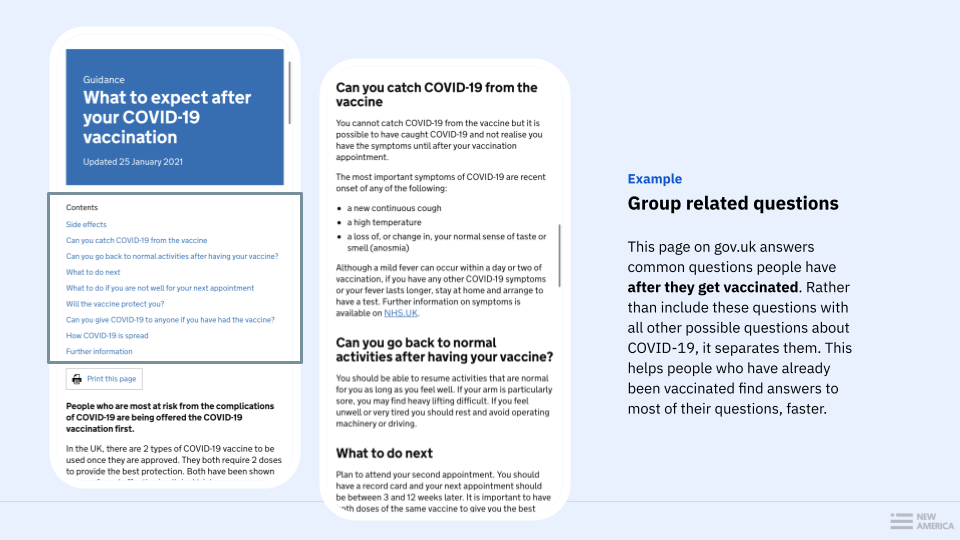
Organize and combine questions based on people’s chronological experience getting vaccinated to make it easier for them to find relevant answers faster.
There is a lot of information about the vaccine. People have a variety of questions, and not everyone has the same concerns. Some people could not find answers to their top of line concerns on the Colorado.gov FAQ page. Feeling overwhelmed, some resorted to niche tech tricks to search the page. Some found the next best question but felt unsatisfied with the answer. An idea to help organize questions is to group by daily experience, but there are also other approaches.
Use Plain, Concise Messages to Make it Easier for “Super Sharers” to Educate their Network
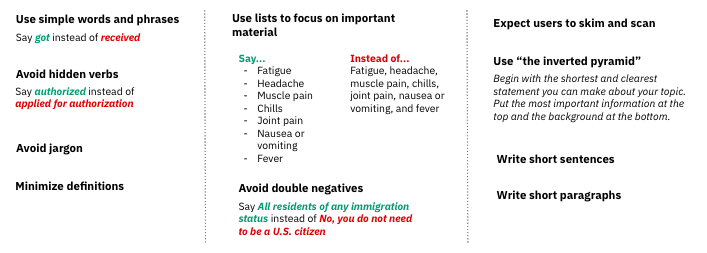
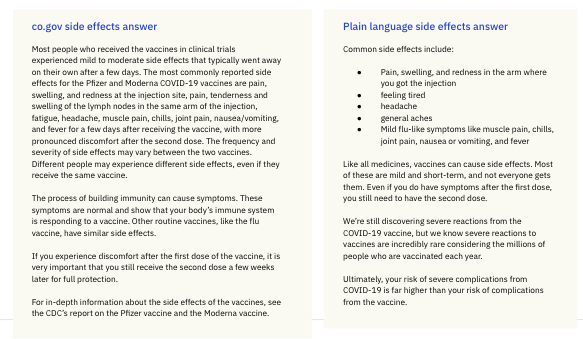
Reaching underinvested populations requires empowering super sharers with information they can easily learn, then teach back to their network. When people read the FAQ, most imagined how they would relay that information to someone else with less language or tech access.
Prioritize Spoken, Visual, and Video Content Instead of the Written Word
For many, reading isn’t the most comfortable way to learn. Community-based organizations know this. They’ve dedicated resources to translating videos rather than blast newsletters, and use word of mouth to spread updated program information. Several research participants indicated that they preferred to speak to someone on the phone, but had difficulty finding call center information on state websites. Colorado, like many states, invested in community-based organizations for this purpose, but the sheer amount of information made it difficult to meet the information needs of all, especially as these were new duties to nonprofit partners.